ClipStitch
Combine Videos
Pick your clips, drag them into order, and export one seamless video. No timeline, no learning curve.
The founder's daughter loves making toy play videos, but complex video editing apps got in her way. The clear gap was an easy way to combine clips in the order you want them. ClipStitch is perfect for her, and we hope for you!
In development
Expected Q1 2027.
See it
Screenshots
How it works
Select, order, stitch
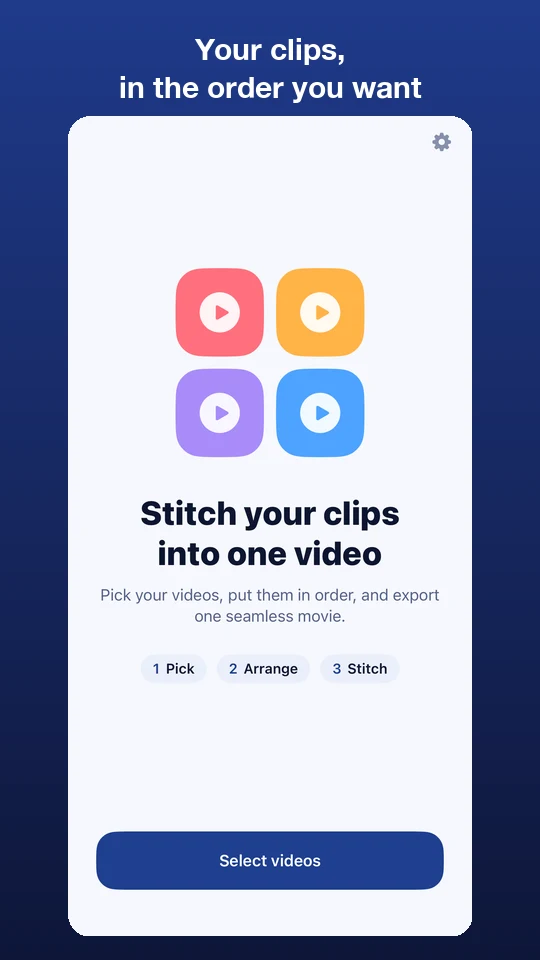
Select your videos
Choose the clips you want from your library.
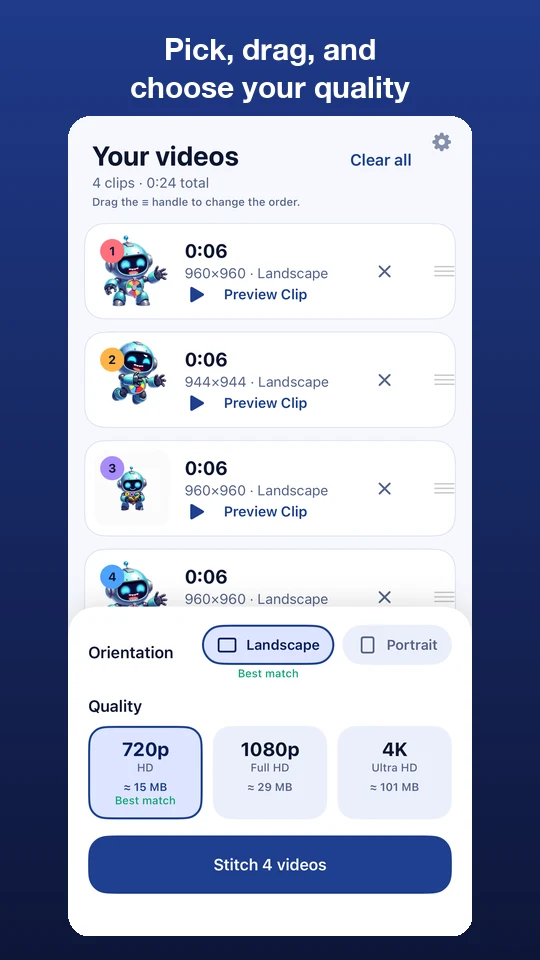
Drag into order
Use the handle on each clip to put them in the order you like.
Tap Stitch
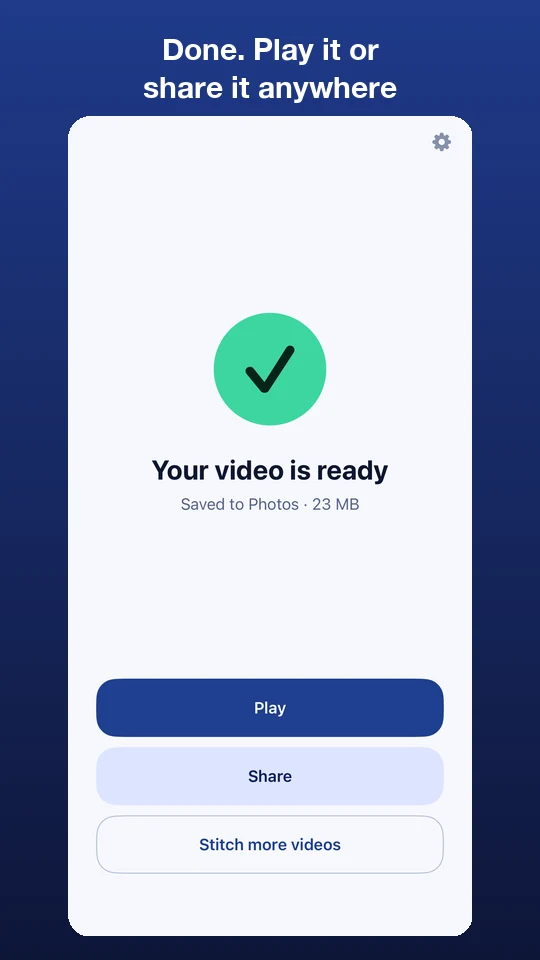
ClipStitch combines them into one video and saves it for you.
Features
Simple on purpose
- Your order, your way. Drag clips up and down, or remove the ones you don't want.
- Pick the quality. Export in 720p, 1080p or 4K, with a "best match" suggestion so you never upscale by accident.
- Mixed clips are fine. Combine portrait and landscape clips and choose the shape of the final video.
- Know the size first. See an estimated file size before you export.
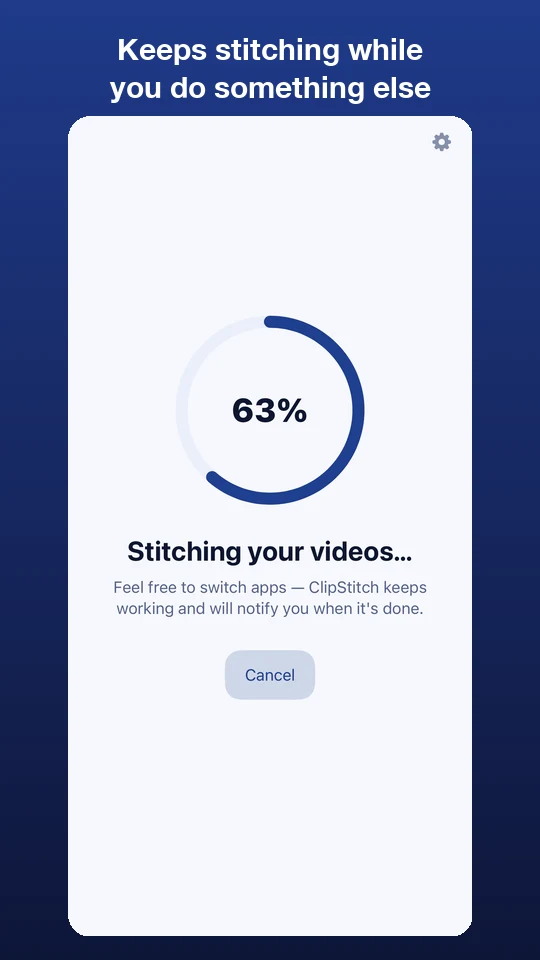
- Keeps going in the background. Leave the app and get a notification when your video is ready.
- Private. Your videos are processed on your device and never uploaded.
Free and Pro
Try it free, unlock it all with Pro
ClipStitch
Free. Combine up to 2 clips and export at up to 720p HD.
ClipStitch Pro
Unlimited clips and export up to 4K Ultra HD.
Ideas to try
What to stitch
- Toy play videos
- Birthday moments
- Vacation highlights
- Sports plays
- Recipe steps
- School projects
- Pet bloopers
- Before and after
Privacy & support
No ads. No account. No tracking.
ClipStitch collects nothing. Your videos are combined on your device and are never uploaded, so there's nothing to sign up for and nothing leaving your phone. Questions or ideas? Send them to the address below.